Tech Support Cold Call Scams
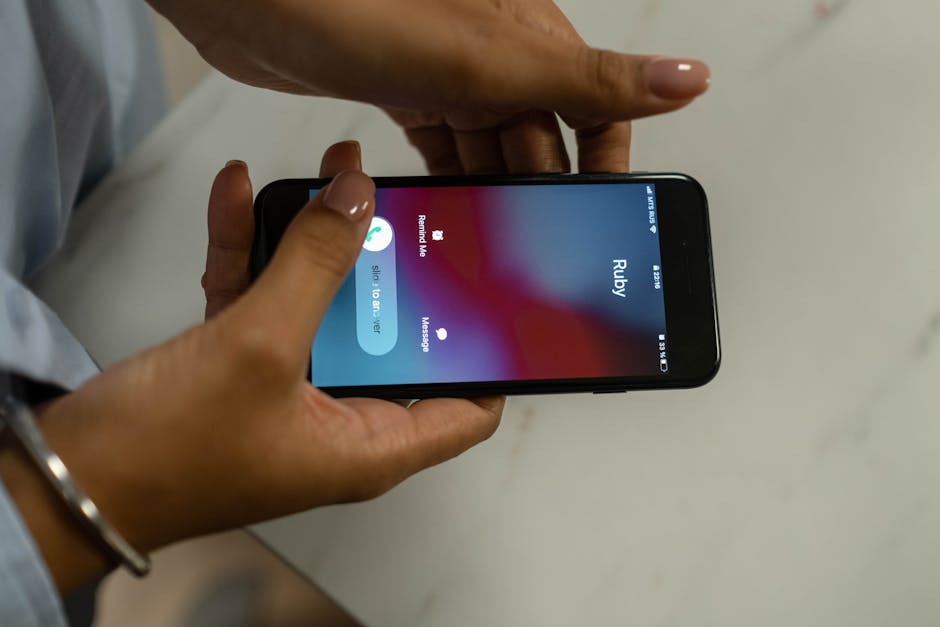
Phone scams cost Americans $1.4 billion in 2024, according to the FTC.
Tech support scams, often initiated by an unsolicited phone call, resulted in losses of nearly $1 billion from over 37,500 victims in 2023, with nearly half of the victims being over age 60 (FBI IC3 2023 Report).
Think you've seen this scam?
Paste any suspicious text, email, or voicemail into our free checker — get a verdict in 5 seconds. Or get our free Scam Defense Playbook.
Free. No credit card. No signup required for the checker.
How It Works
Red Flags
- You receive an unsolicited phone call from someone claiming to be from a major tech company about a problem with your computer.
- The caller creates a strong sense of urgency, pressuring you to act immediately to avoid dire consequences.
- They ask for remote access to your computer or device.
- The caller insists on payment for services via gift cards, wire transfers, or cryptocurrency.
- You are asked to provide passwords or other sensitive personal or financial information over the phone.
- The caller directs you to a website or asks you to download software to "fix" the issue.
- Your browser freezes and a pop-up warning appears with a phone number to call for help; real security warnings never ask you to call a number.
What to Do If Targeted
- If you receive an unsolicited call from someone claiming to be tech support, hang up immediately. Legitimate companies will not contact you this way.
- Never give control of your computer or provide passwords to anyone who contacts you unexpectedly.
- If you paid a scammer with a credit or debit card, contact your bank or card issuer immediately to report the fraud and request a chargeback.
- If you gave a scammer remote access, disconnect your device from the internet, run a security scan with legitimate antivirus software, and consider having it professionally checked.
- Change your passwords for all your online accounts, especially for banking and email, if you believe they may have been compromised.
- If you bought gift cards to pay a scammer, contact the gift card company right away and explain it was a fraudulent transaction to see if they can refund the money.
How to Report It
- FTC — File a complaint with the Federal Trade Commission (FTC). Your report helps investigators identify and stop scammers.
- FBI IC3 — Report the incident to the FBI's Internet Crime Complaint Center (IC3), especially if you lost money or personal information.
- FCC — File a complaint about phone scams, robocalls, or unwanted calls with the Federal Communications Commission.
- AARP Fraud Helpline — Call 877-908-3360 for free support from trained fraud specialists. Available to anyone, not just AARP members.
Key Statistics
- Tech support scams were the third-largest cause of financial loss in 2025, with victims losing over $2.1 billion. — FBI Internet Crime Report 2025
- In 2023, the FBI's Internet Crime Complaint Center (IC3) received nearly 18,000 tech support scam complaints from victims over the age of 60, with losses nearing $600 million. — FBI 2023 Elder Fraud Report
- Together, tech support and government impersonation scams caused approximately $1.3 billion in losses in 2023. — FBI IC3
- Victims over 60 years old accounted for 58% of the losses to call center scams, losing almost $770 million. — FBI 2023 Elder Fraud Report
- In 2023, consumers reported losing $60 million to scams where fraudsters impersonated Microsoft. — FTC 2024
Get scam alerts before they hit your parents' inbox
One email per week. The scam that's spreading right now, the red flags, and what to tell Mom and Dad.
Free forever. Unsubscribe in one click.
Frequently Asked Questions
Has this scam reached your family?
Ready to protect yourself?
We've vetted the tools that actually work — VPN, threat protection, and identity monitoring.
See our recommended tools →Get weekly scam alerts
One breakdown per week. Real threats. Zero fluff.