Tech Support Scams
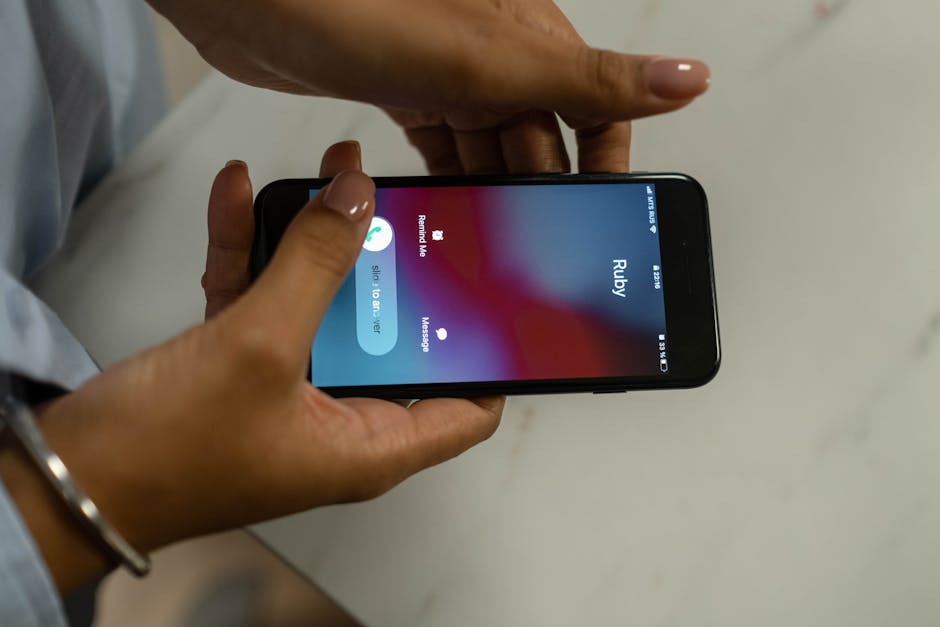
Phone scams cost Americans $1.4 billion in 2024, according to the FTC.
Tech support scams trick victims into believing their device is compromised, resulting in nearly $1 billion in losses reported to the FBI in 2023 from over 37,000 complaints.
Think you've seen this scam?
Paste any suspicious text, email, or voicemail into our free checker — get a verdict in 5 seconds. Or get our free Scam Defense Playbook.
Free. No credit card. No signup required for the checker.
How It Works
Red Flags
- You receive an unsolicited phone call, email, or pop-up message about a problem with your computer; legitimate companies do not make outbound calls to report issues.
- The message uses alarming language, creating a sense of panic and urgency to act immediately.
- You are asked to call a phone number that appears in a pop-up security alert; real security warnings never ask you to call a number.
- Someone asks for remote access to your computer to 'fix' a problem you were not aware of.
- The 'technician' insists on payment for services via gift cards, wire transfers, or cryptocurrency.
- You are told your financial accounts are compromised and you need to move your money to a 'safe' account or purchase gold or cryptocurrency for protection.
- The caller or website impersonates a well-known tech company like Microsoft, Apple, or Geek Squad.
What to Do If Targeted
- Hang up immediately on any unsolicited call from someone claiming to be tech support.
- Do not click on any links or call any numbers that appear in pop-up security warnings on your computer. Restart your computer to clear the fake pop-up.
- Never give a stranger remote access to your computer or provide personal information like passwords or bank account details.
- If you paid a scammer, contact your bank or credit card company immediately to stop payment and dispute the charges.
- If you gave a scammer remote access, disconnect your computer from the internet, run a security scan with legitimate antivirus software, and change all your passwords.
- Talk to a trusted friend or family member about the call or message. Discussing it can help you recognize it's a scam.
How to Report It
- FTC — File a fraud report with the Federal Trade Commission to help with investigations and consumer protection.
- FBI IC3 — Report the incident to the FBI's Internet Crime Complaint Center (IC3).
- FCC — File a complaint about phone scams, robocalls, or unwanted calls with the Federal Communications Commission.
- AARP Fraud Helpline — Call 877-908-3360 for free support from trained fraud specialists. Available to anyone, not just AARP members.
Key Statistics
- In 2023, the FBI's Internet Crime Complaint Center (IC3) received 37,560 complaints related to tech support scams, with victim losses totaling nearly $1 billion. — FBI IC3 2023 Report
- Adults over the age of 60 accounted for almost half of the victims and experienced 58% of the financial losses from call center scams, which includes tech support fraud. — FBI 2023 Elder Fraud Report
- Losses from tech support scams increased dramatically to $1.464 billion in 2024, a jump of over $500 million from 2023. — Forbes / FBI Data
- While older adults lose more money, Microsoft reports that Millennials and Gen Z were victimized more often by tech support scams than any other age group. — Microsoft / Forbes
- Imposter scams, which include tech support scams, were the top fraud category reported to the FTC in 2023, with total reported losses of $2.7 billion. — FTC Consumer Sentinel Network Data Book 2023
Get scam alerts before they hit your parents' inbox
One email per week. The scam that's spreading right now, the red flags, and what to tell Mom and Dad.
Free forever. Unsubscribe in one click.
Frequently Asked Questions
Has this scam reached your family?
Ready to protect yourself?
We've vetted the tools that actually work — VPN, threat protection, and identity monitoring.
See our recommended tools →Get weekly scam alerts
One breakdown per week. Real threats. Zero fluff.